
Pick a game
Use the arrows on your TV remote and press OK. Nobody loses.
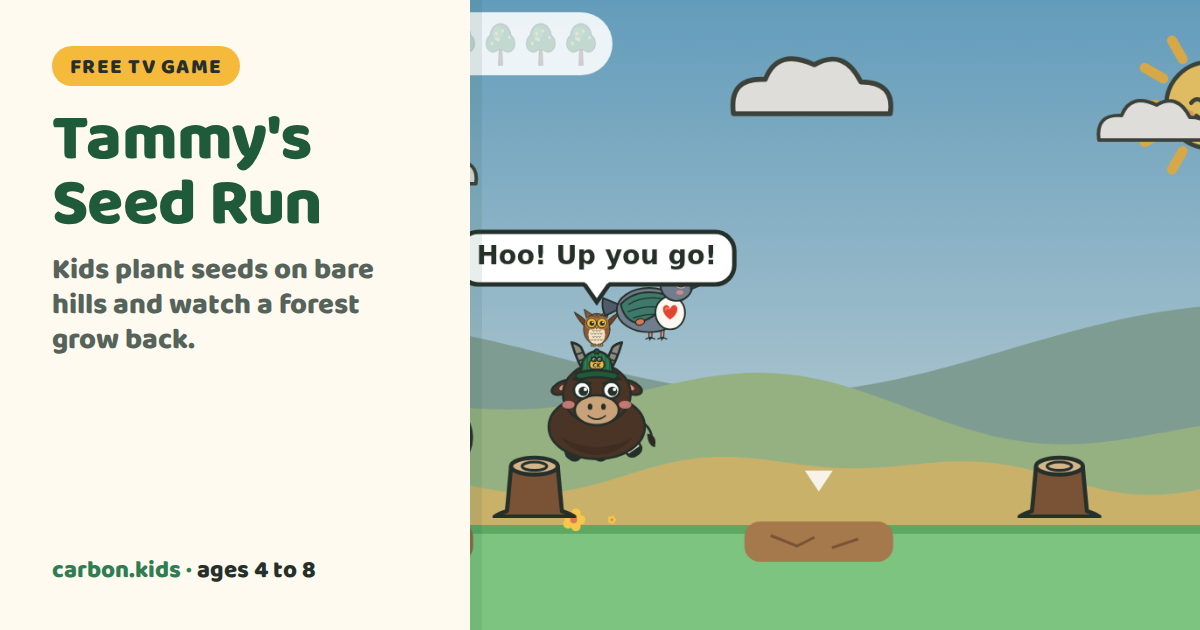
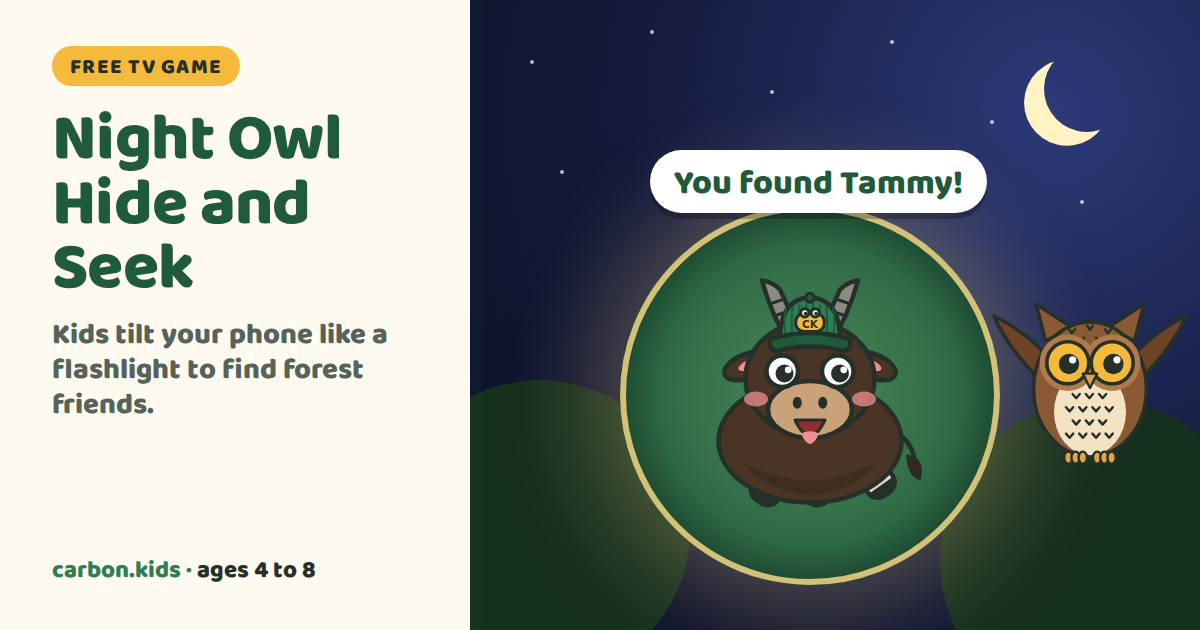
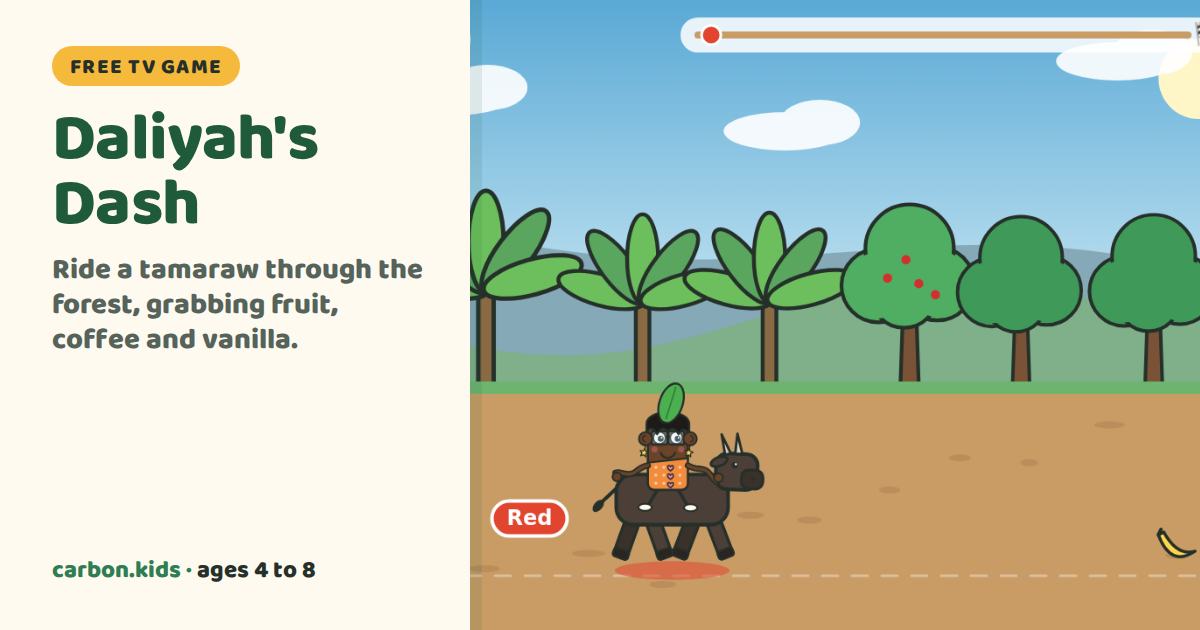
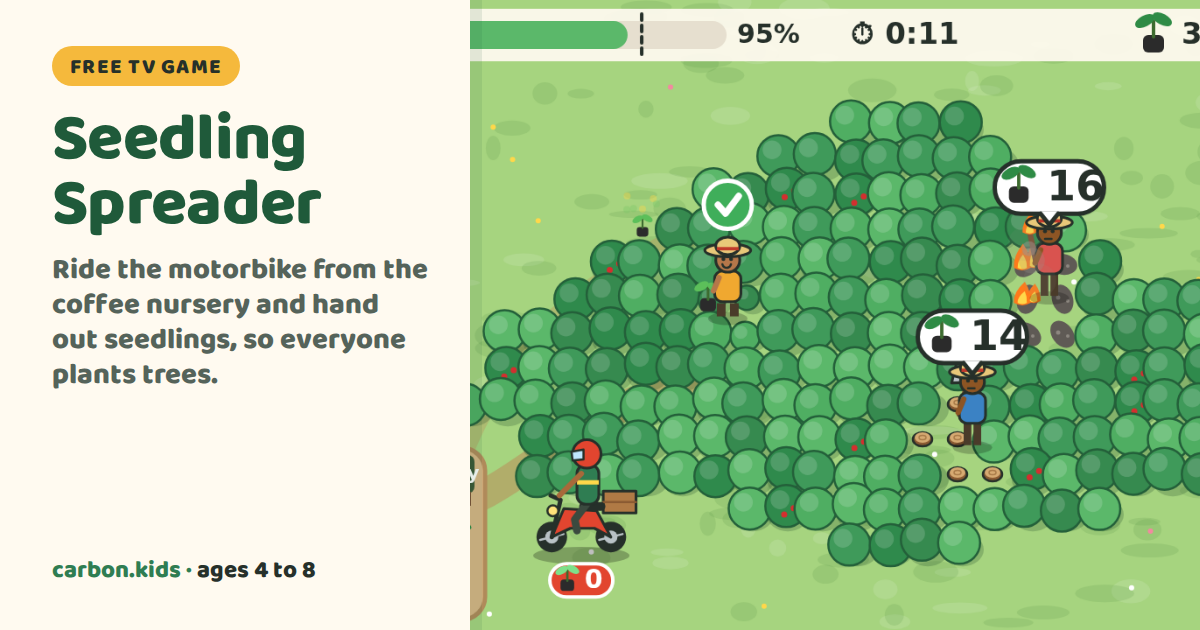
Then scan the QR square on the TV with a grown-up's phone, and hand the phone to the kids.
For grown-ups: how to get the games on your TV
The games are a web page, so anything that can show a web page on your TV works. On the TV, open carbon.kids/tv (this page) and pick a game. Your phone is the controller, so it can't also be the screen. Here is the easiest way for each TV:
Apple TV
Apple TV has no web browser, so send the game to it with AirPlay from an iPad or a Mac on the same Wi-Fi.
- iPad: open carbon.kids/tv in Safari, swipe down from the top-right corner, tap Screen Mirroring and pick your Apple TV.
- Mac: open carbon.kids/tv, click Control Centre in the menu bar, then Screen Mirroring, and pick your Apple TV.
Google TV and Chromecast
On a laptop with Chrome, open carbon.kids/tv, click the ⋮ menu, then Cast, save and share, then Cast, and pick your TV.
An Android tablet can cast its whole screen from Quick Settings with Screen Cast.
Fire TV
Search for Silk Browser on the Fire TV home screen and install it (it's free). Open it and type carbon.kids/tv.
Samsung, LG and other smart TVs
Open the TV's own web browser (on Samsung it's called Internet, on LG it's Web Browser) and type carbon.kids/tv. The remote's arrows and OK pick a game.
A laptop and a cable
Plug a laptop into the TV with an HDMI cable, open carbon.kids/tv and make the window full screen.
A Carbon Kids TV app
We're making an app for Google TV and Fire TV, so the games will be one button away. It isn't out yet.
Once a game is on the TV, scan its QR square with your phone (or open pad.carbon.kids and type the 4-letter code), then hand the phone to the kids.